

Web service dashboard
Open Web Services in the sidebar to see every service in your workspace. Each card shows the status, subdomain, CPU and memory, with a quick Start or Stop button. Click a card to open the service.
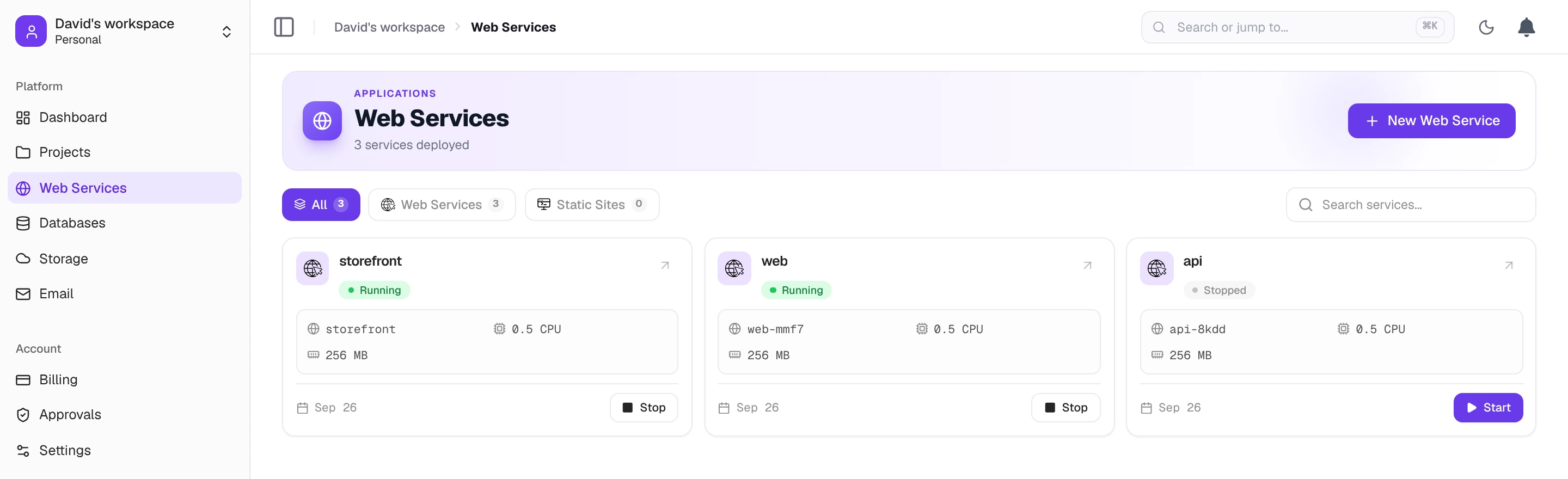
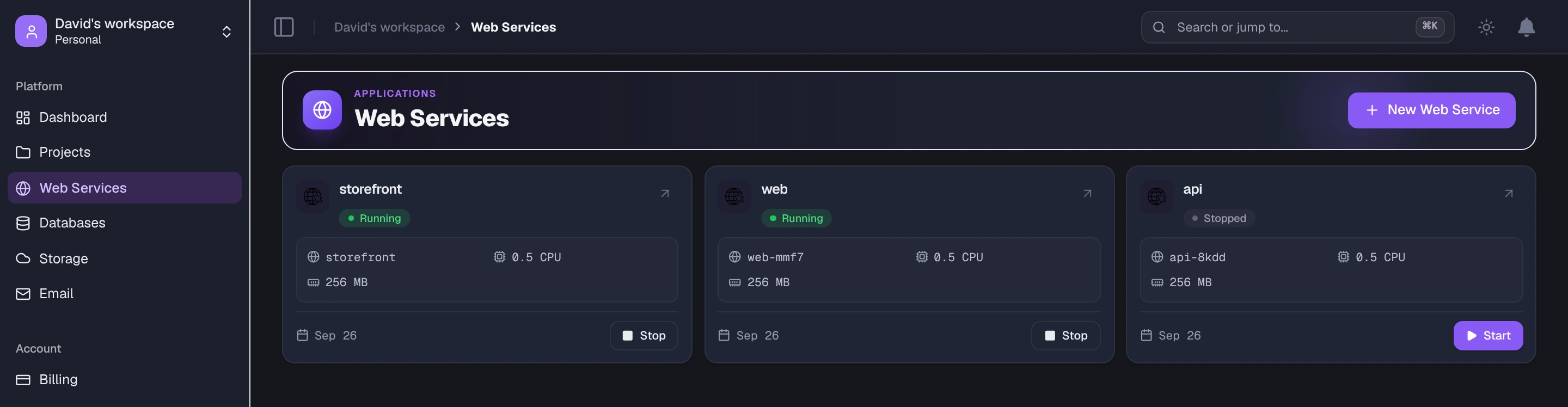
A web service has seven tabs.
Overview and deploy history
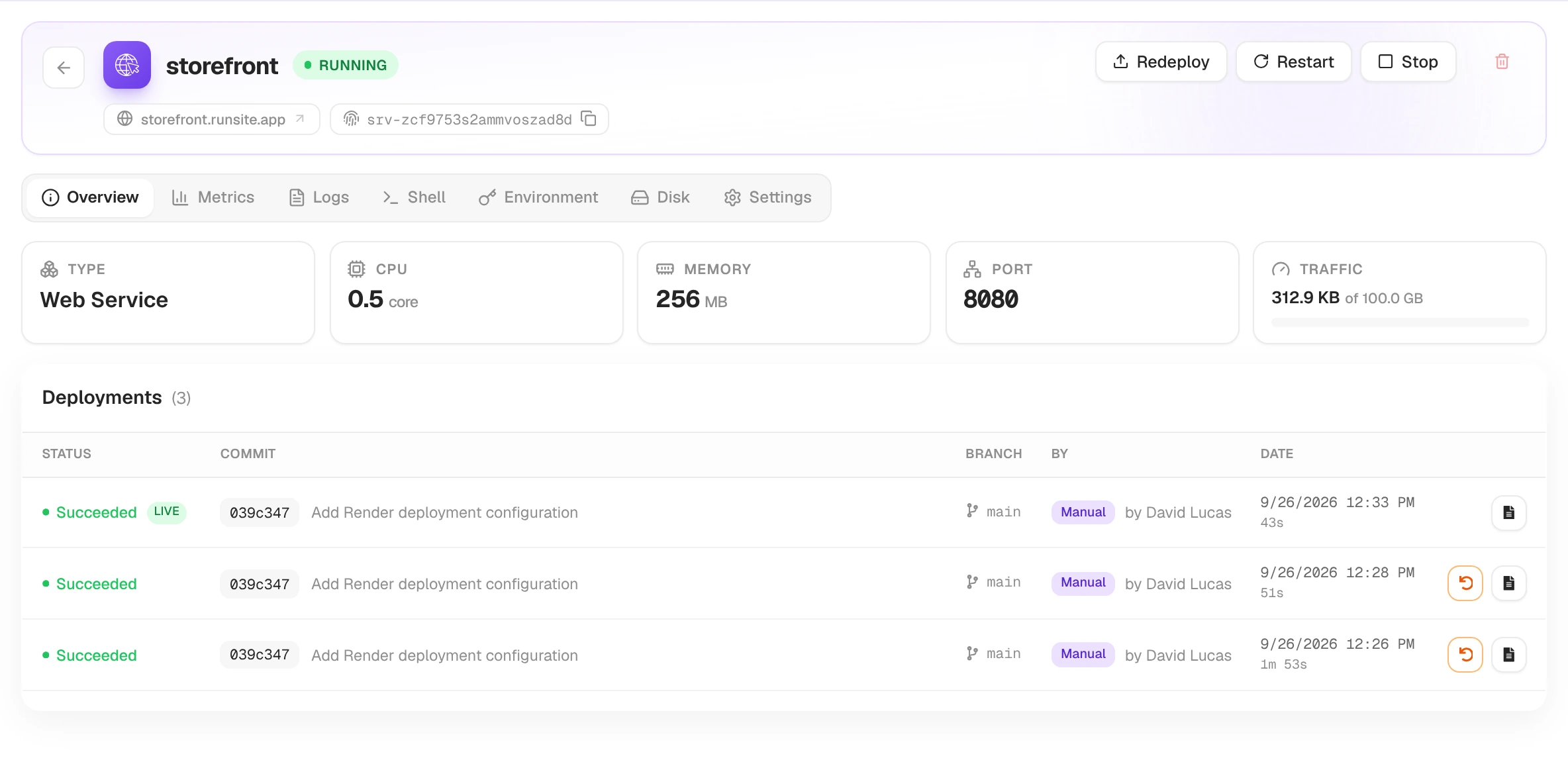
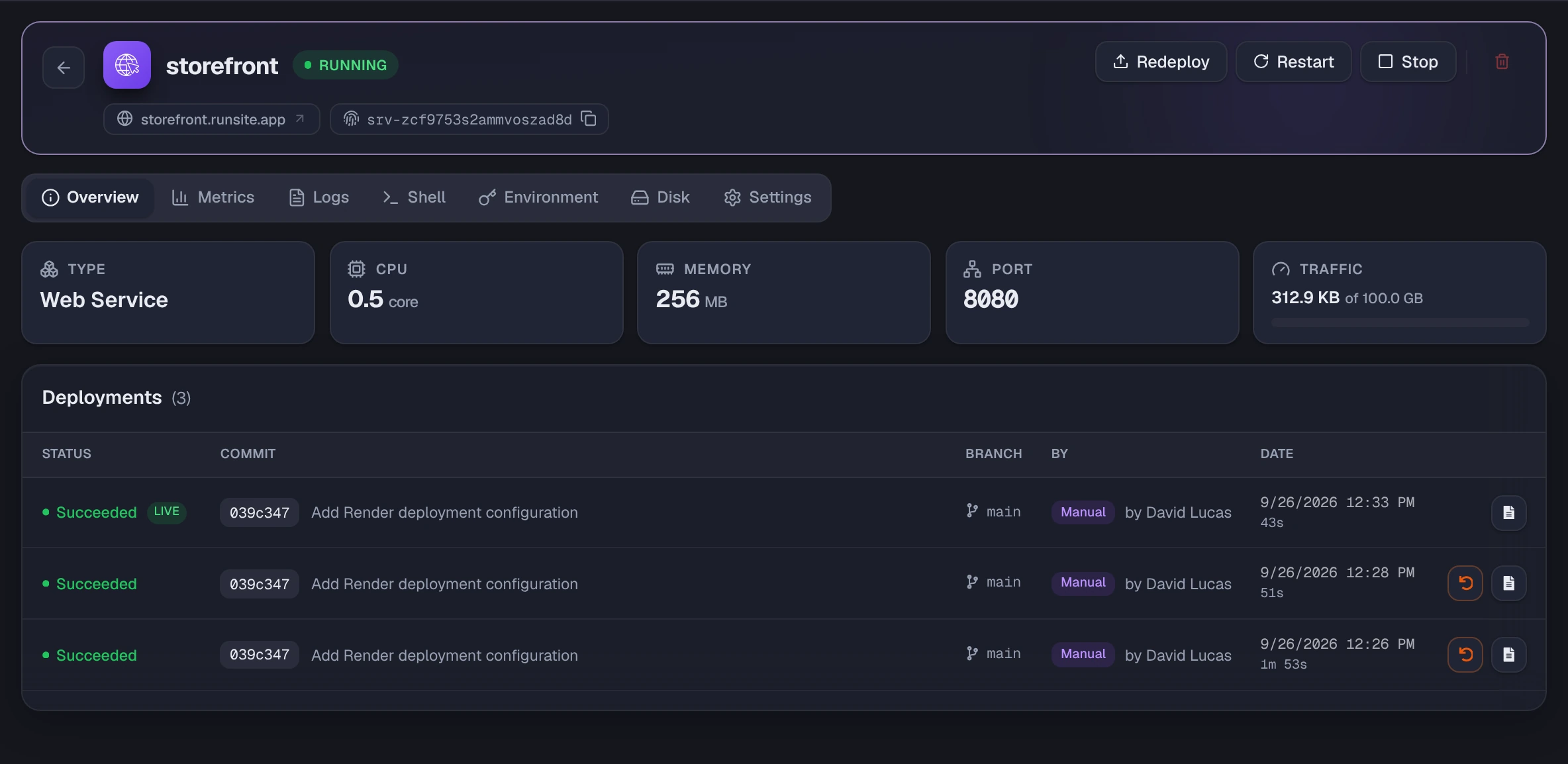
Section titled “Overview and deploy history”The header is the same on every tab: the service name and status badge, its runsite.app URL, the service ID, and the Redeploy, Restart and Stop buttons.
The Overview tab shows the basics of your service (type, CPU, memory, port and traffic used this month) and the full deployment history. Each deployment row has its commit, branch, who triggered it and when. Open the build log from any row, or Rollback to a previous successful deploy with the orange button.
Status badge
Section titled “Status badge”The coloured badge next to the service name reflects its current state:
| Colour | State | What it means |
|---|---|---|
| Yellow | DEPLOYING | Building the image or rolling out a new container. |
| Green | RUNNING | Live and serving traffic. |
| Blue | STARTING | Coming up after Start or a restart. |
| Blue | RESTARTING | Container restart in progress. |
| Grey | STOPPING | Stop in progress. |
| Grey | STOPPED | Manually stopped. Compute is released; env vars and the disk are kept. |
| Grey | SLEEPING | Idled out. The next request wakes it. |
| Red | FAILED | Build or runtime failure. The previous version keeps serving. |
For the full semantics and transitions, see Runtime → Deploy states.
Metrics: CPU, memory and requests
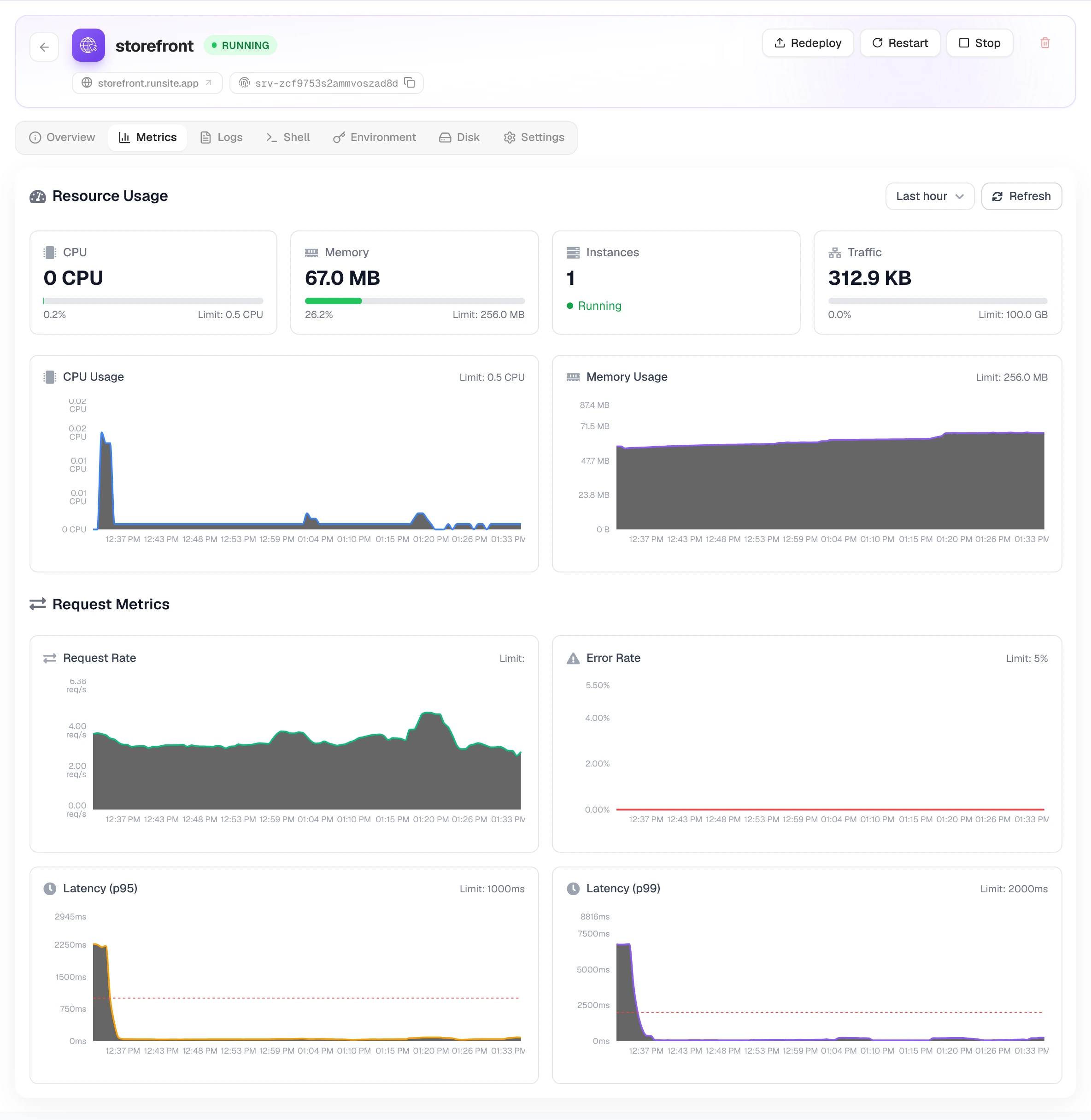
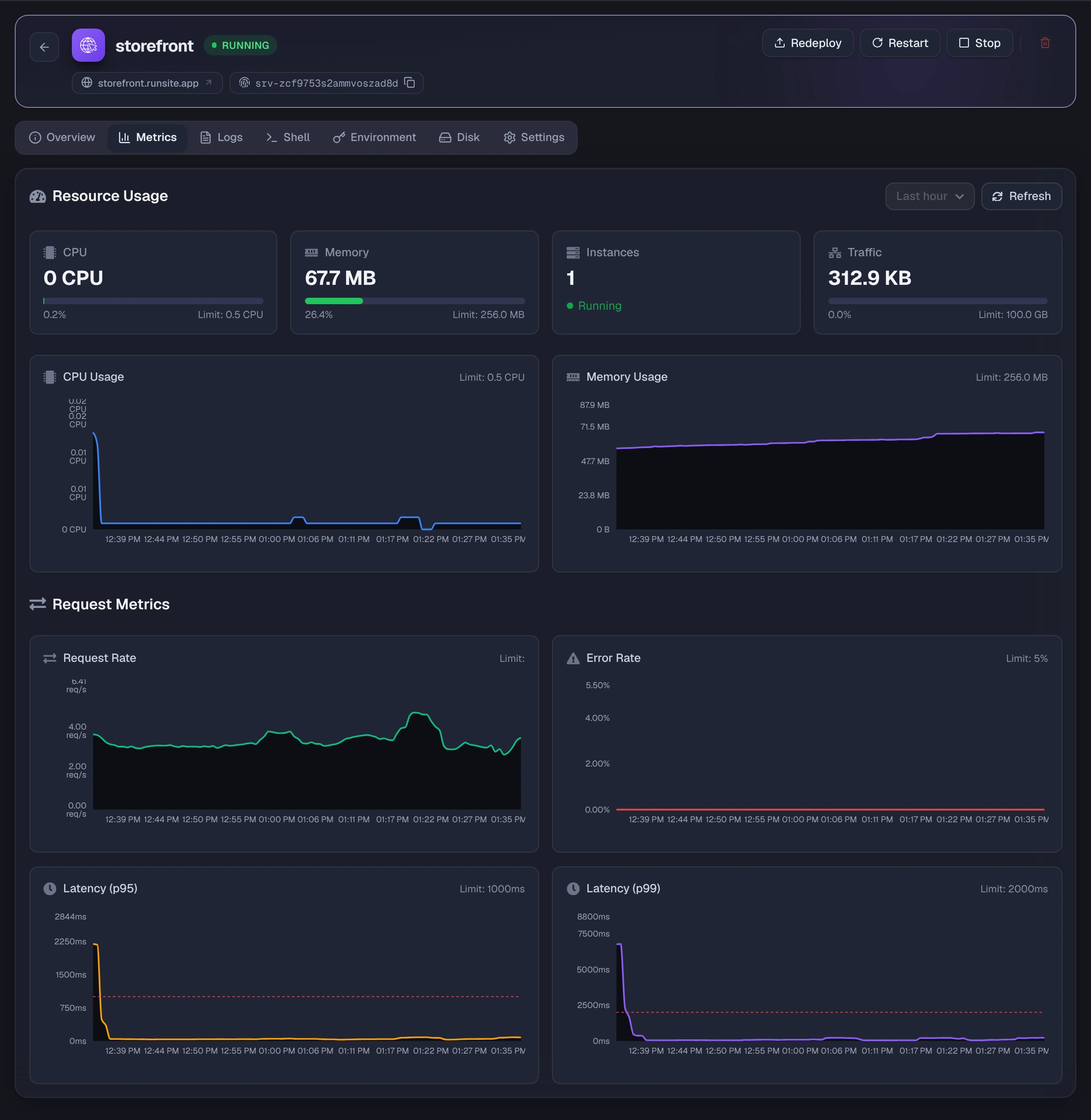
Section titled “Metrics: CPU, memory and requests”Current CPU, memory, instance count and traffic, each against its limit, followed by charts of CPU and memory usage and Request Metrics (request rate and error rate). Pick a window: 10 minutes, 30 minutes, 1 hour or 2 hours. Charts auto-refresh while the service is running.
Live logs
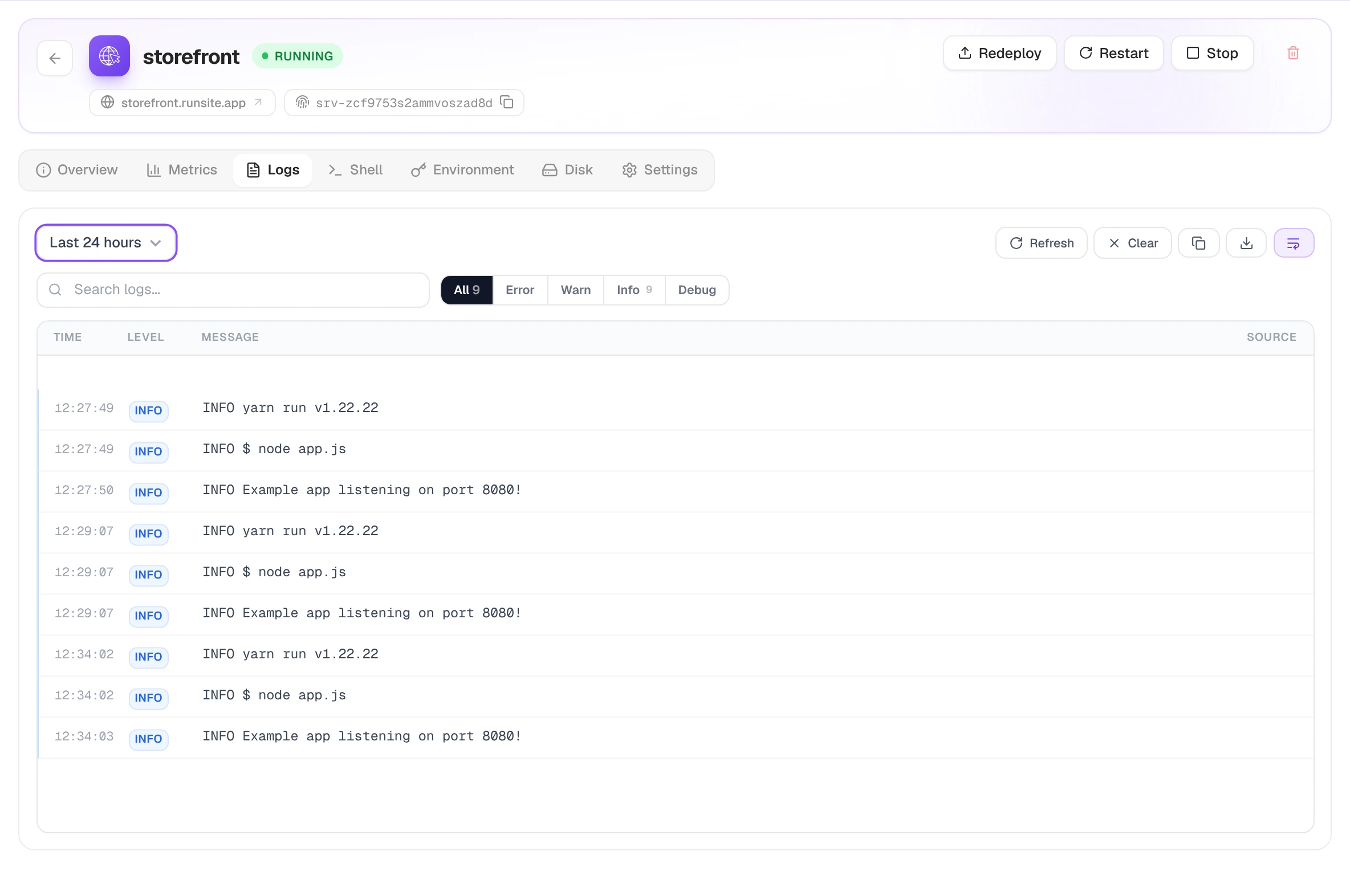
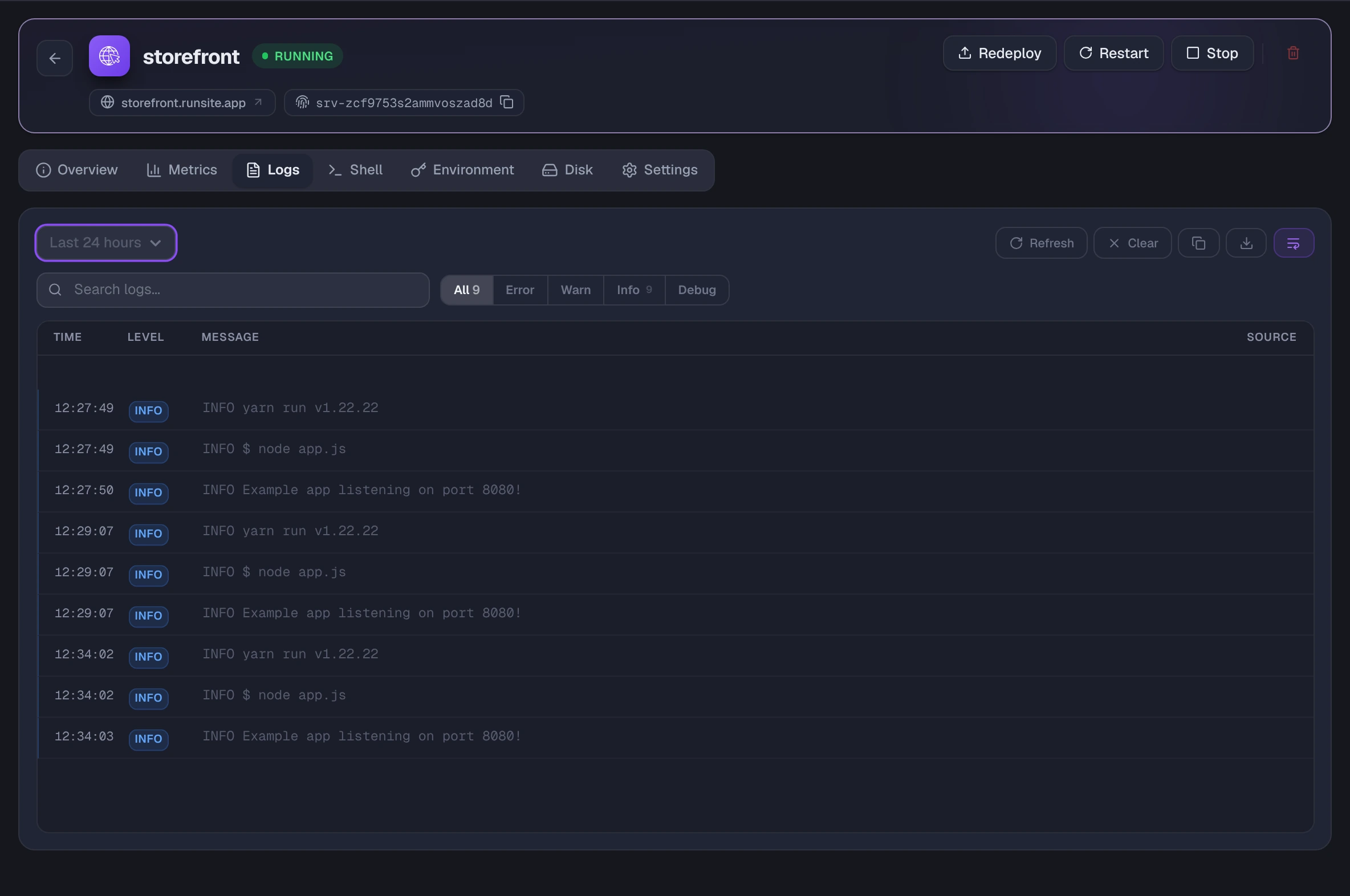
Section titled “Live logs”Whatever your app writes to stdout and stderr.
Live tail streams new lines as they arrive; Pause and Resume hold the stream still while you read something. You can also look back over a fixed window (last hour, 4 hours, 24 hours, 2 days or 7 days), search, filter by level (error, warn, info, debug), copy the lines or Download the current view as a file.
Shell into the container
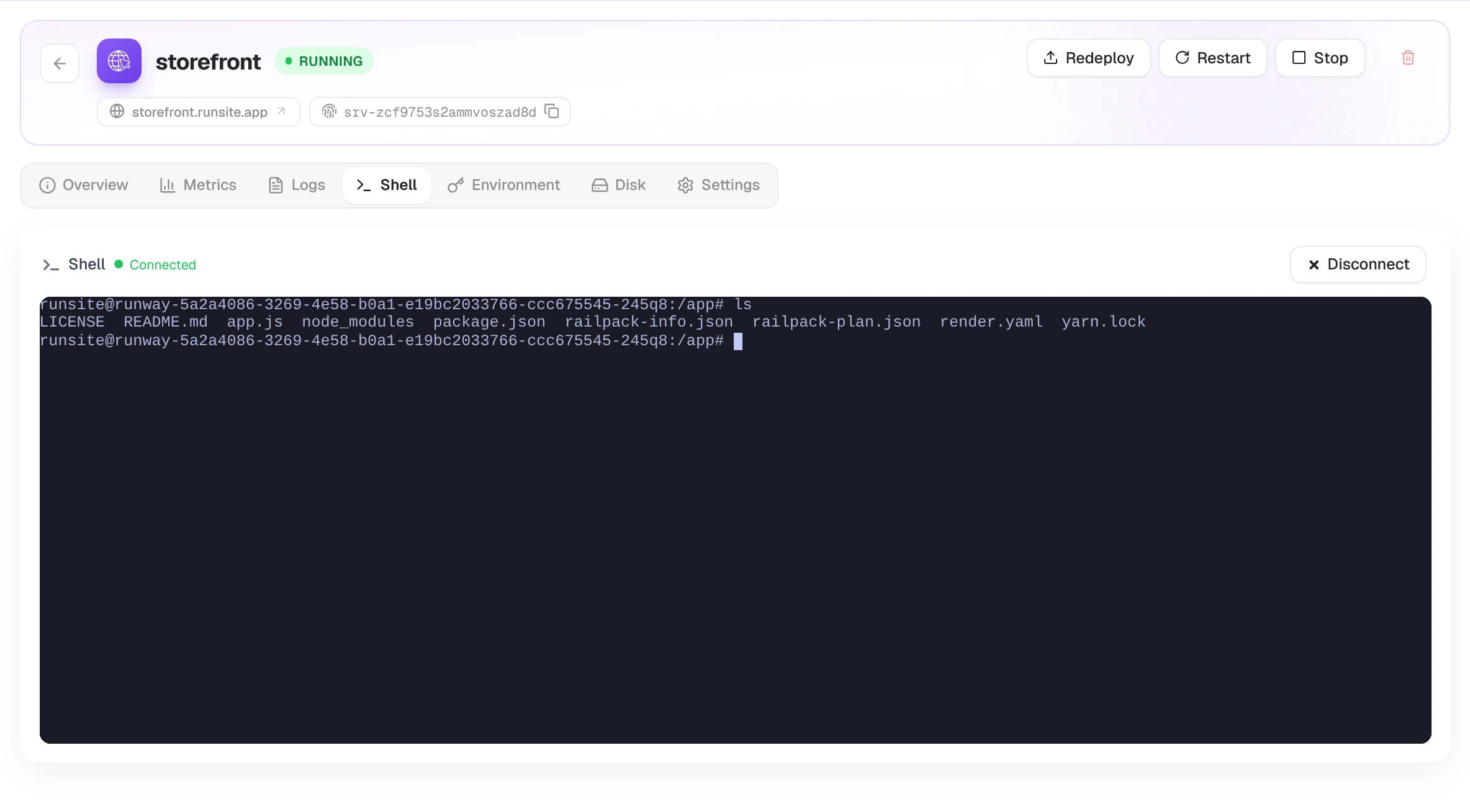
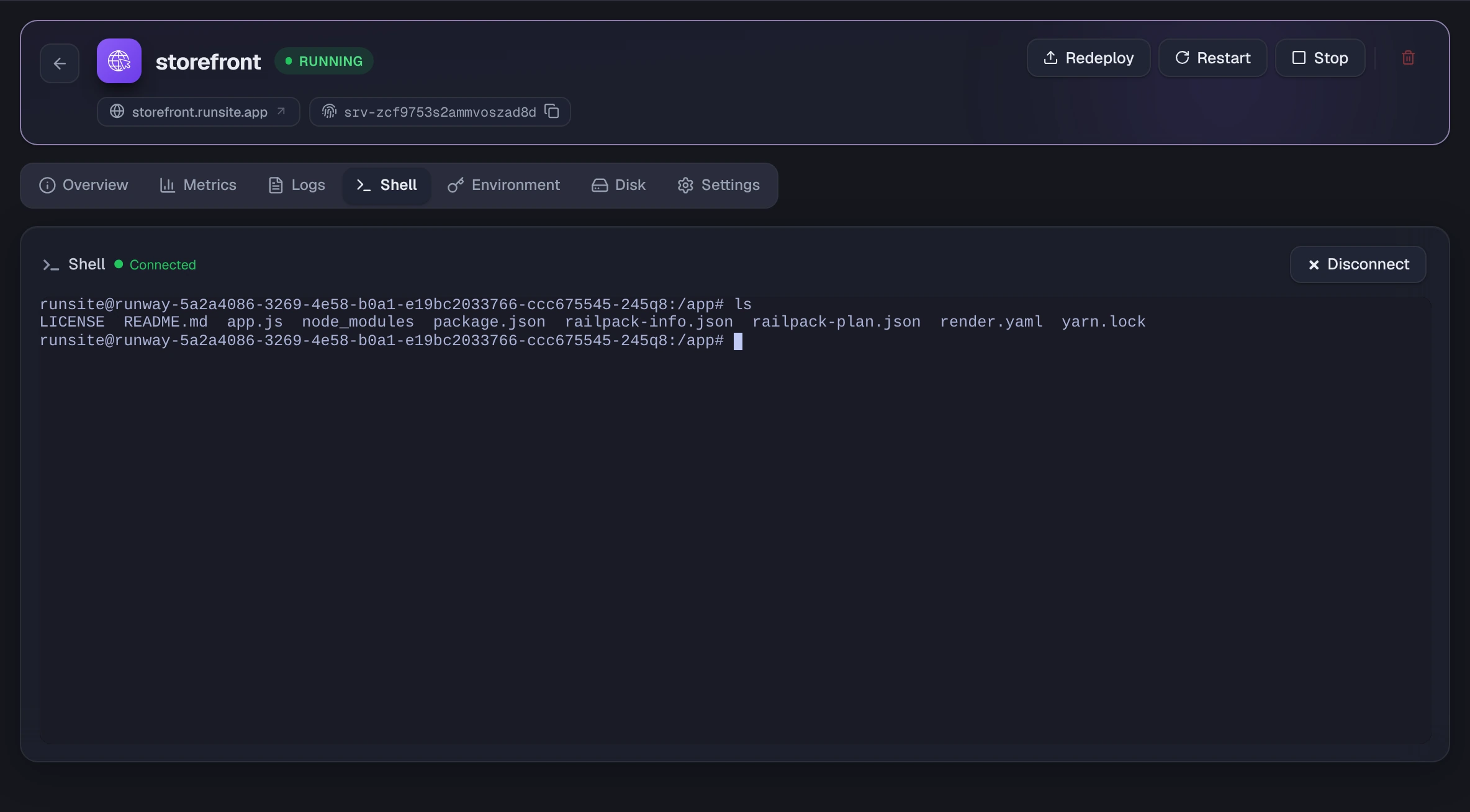
Section titled “Shell into the container”A terminal inside your running container. Use it to run a migration by hand, poke at a config file, or check what actually got deployed. Press Connect to open a session. Available while the service is running.
Environment variables
Section titled “Environment variables”Variables and secrets for the service.
Add, edit and delete variables inline. Values are masked by default; click the eye to reveal one. You can bulk import from a .env file or export the current set back to .env, and there is a built-in generator for tokens and keys.
When saving, you pick how aggressively the change applies:
| Mode | Effect |
|---|---|
| Save only | Stored only. Applied on the next restart or deploy. |
| Save and restart | Restart the container now with the new values. |
| Save, rebuild, and deploy | Build a new image and deploy. Use when the change affects build-time. |
Persistent disk
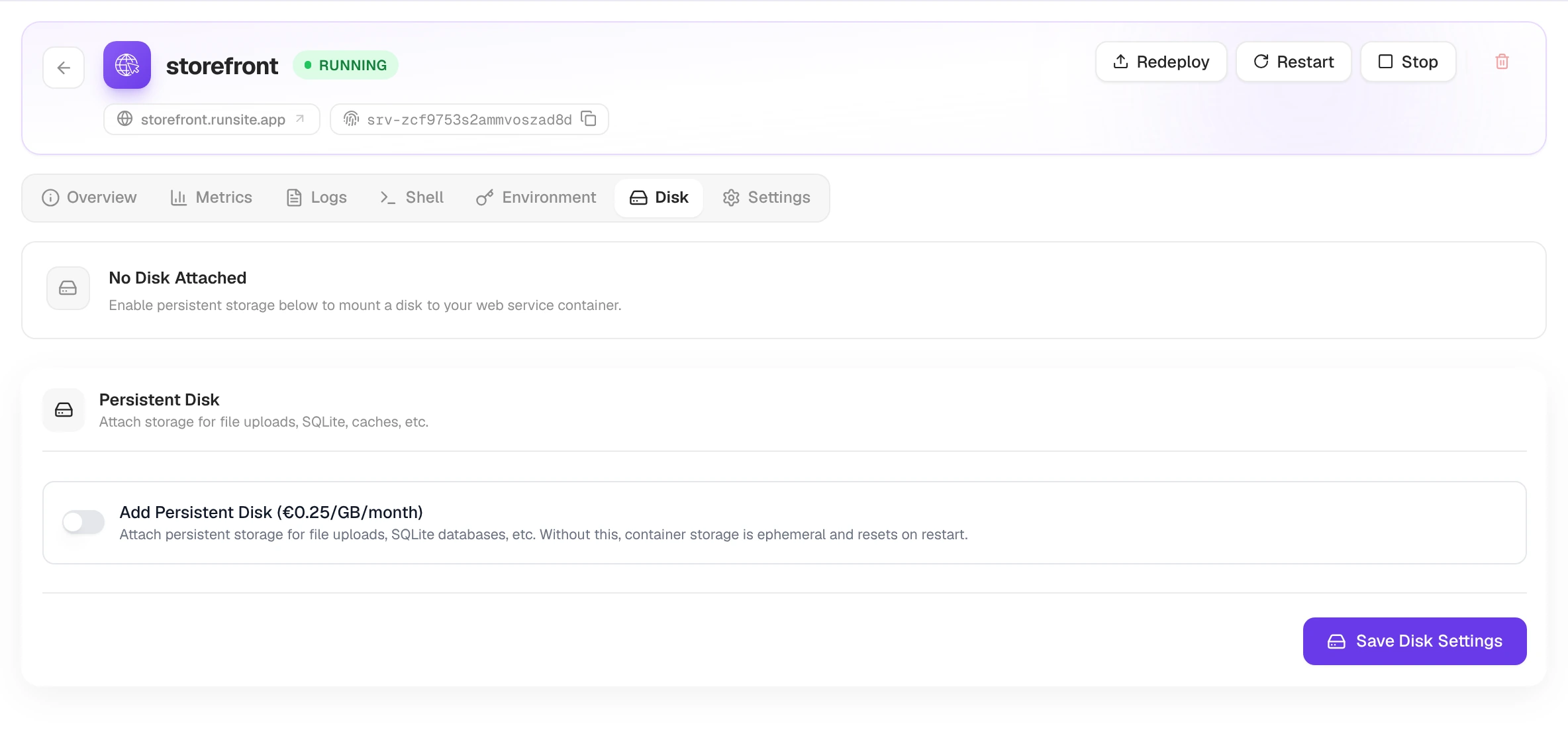
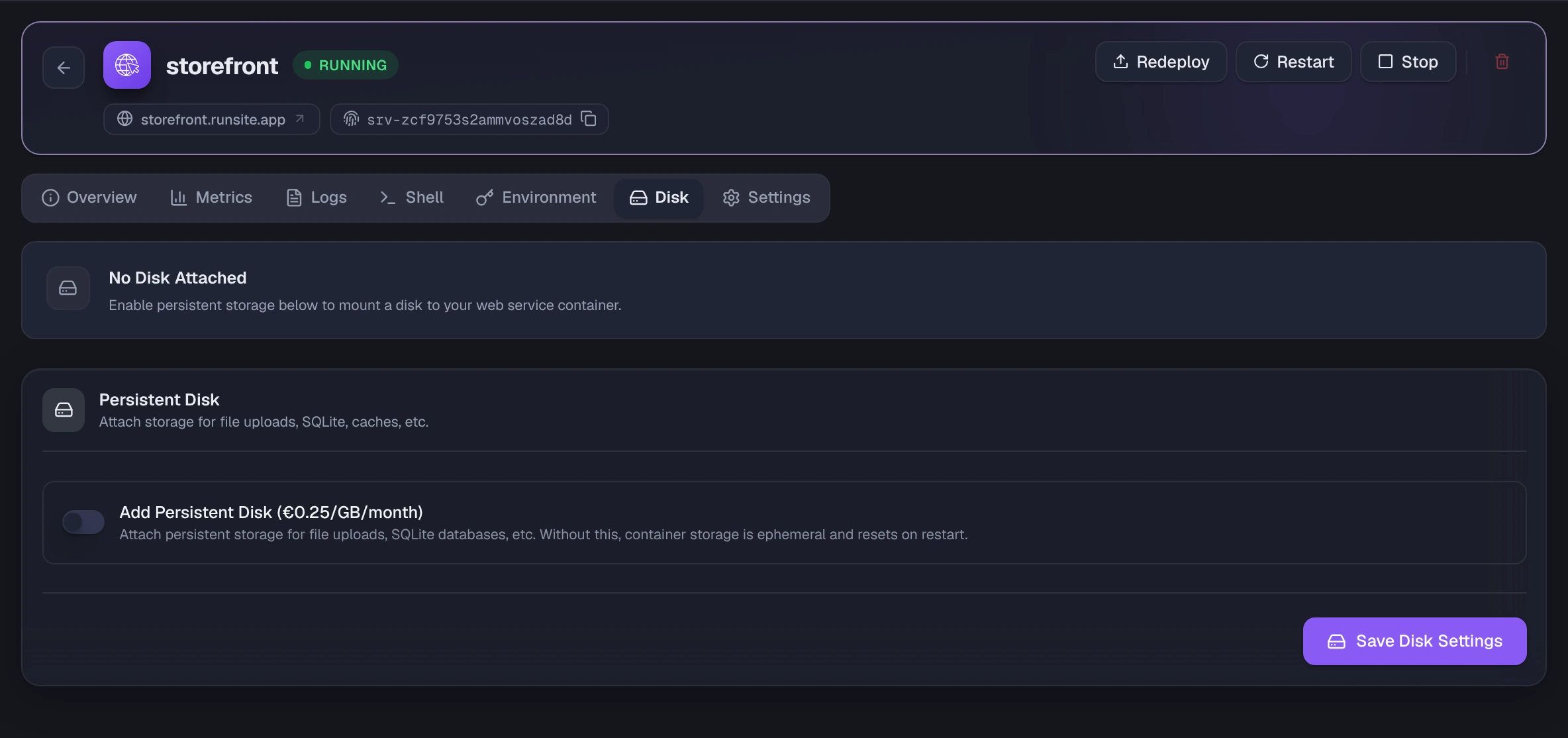
Section titled “Persistent disk”Without a disk, container storage is ephemeral and resets on every restart. Turn on Add Persistent Disk (€0.25/GB/month) and press Save Disk Settings to attach one. Once attached, the tab shows disk size, mount path and current usage. The disk survives restarts and redeploys, so use it for a SQLite file, user uploads or a local cache.
Settings
Section titled “Settings”All configuration for the service, one card per topic. Changes collect in the bar at the bottom until you press Save all settings.
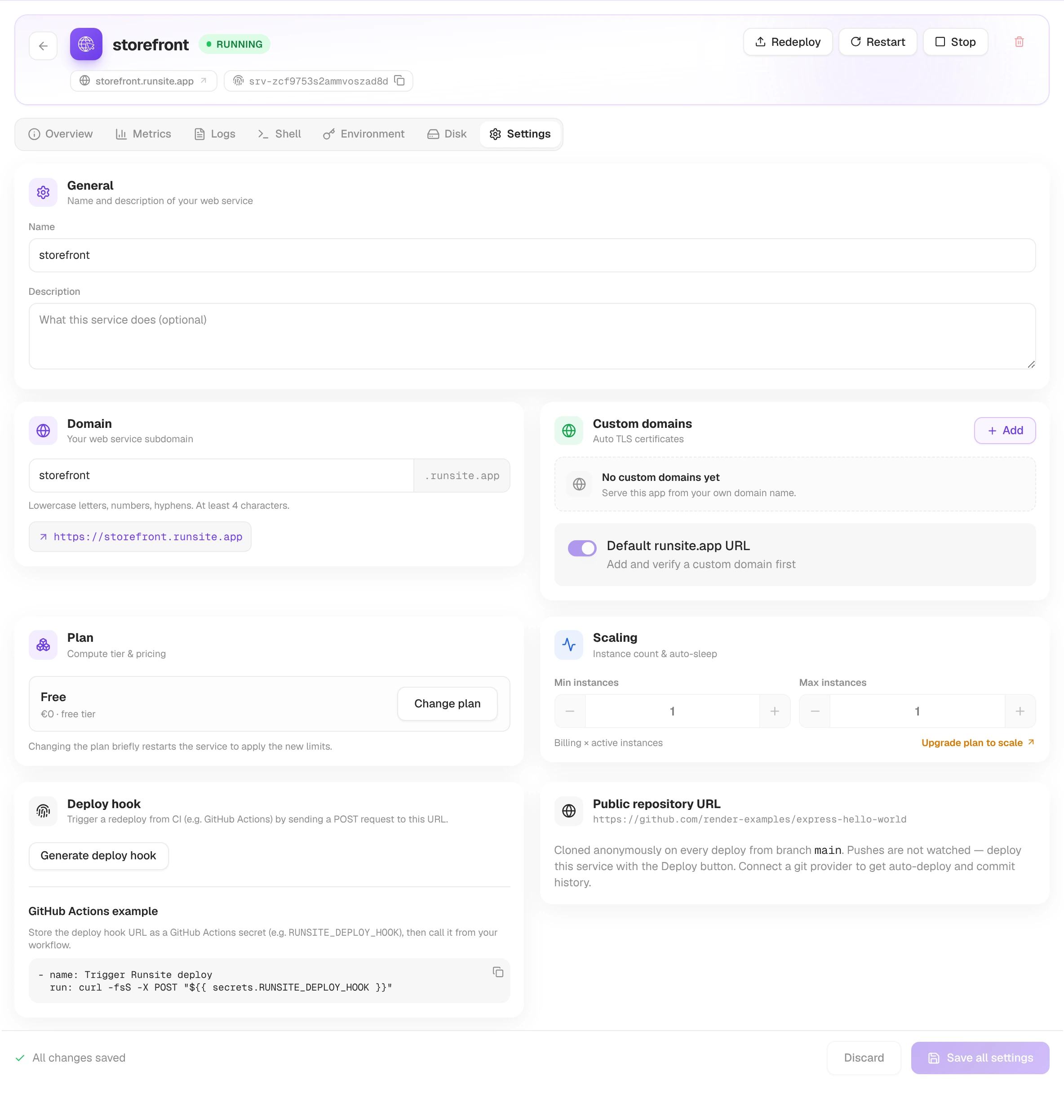
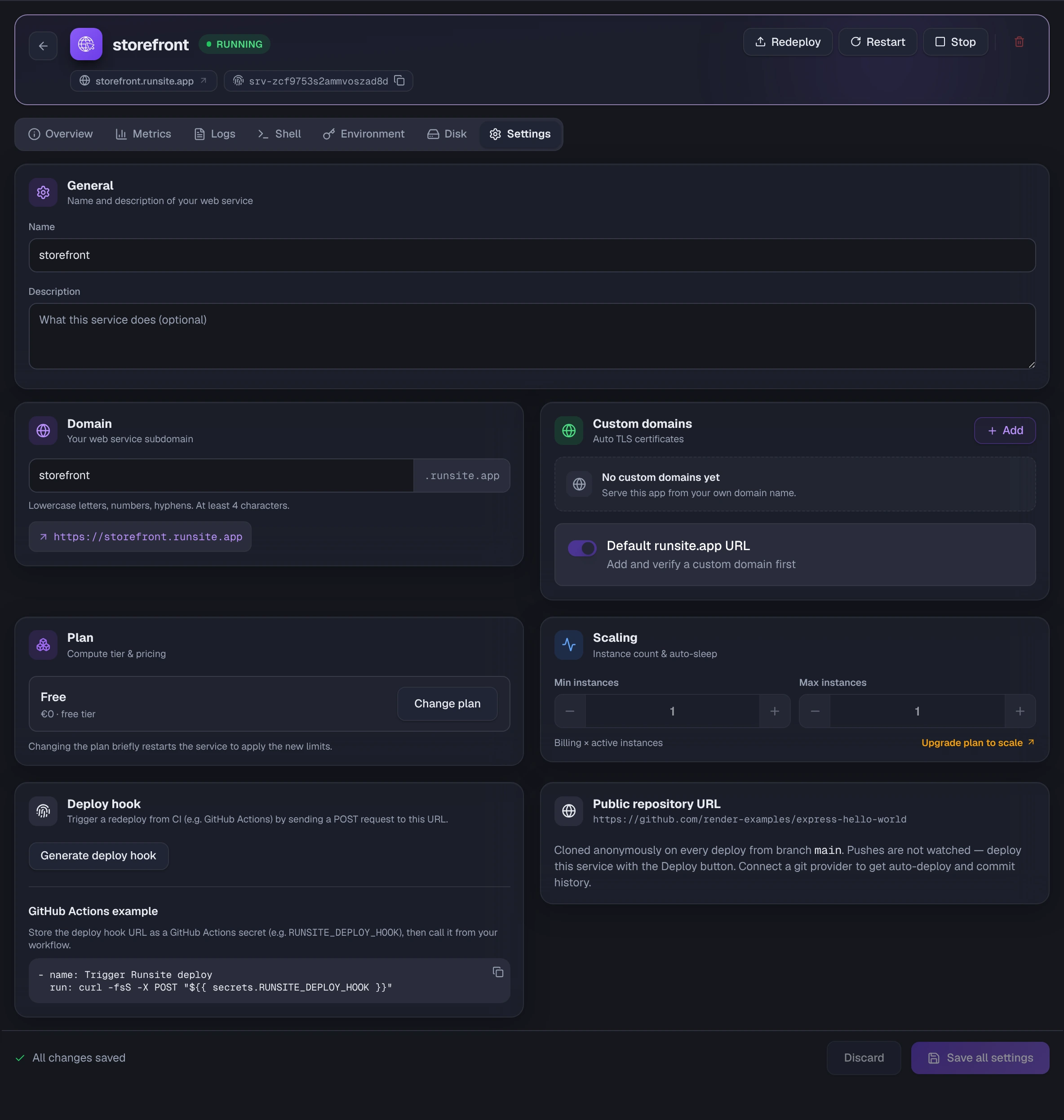
General holds the name and description. Domain holds your subdomain on runsite.app. Custom Domains is where you attach a domain of your own, verify its DNS and get TLS issued automatically; see Domains for the records to add.
Build & Deploy covers the branch, the build, start and pre-deploy commands, the Dockerfile path, the root directory and the Auto-deploy on push toggle. A service deployed from a public repository URL shows Public repository URL in its place. Plan shows the compute tier; Change plan briefly restarts the service to apply the new limits. Scaling sets min and max instances, described in Scaling & resources.
Deploy hook generates a URL that redeploys the service when it receives a POST request, so CI such as GitHub Actions can trigger deploys.