Managed Redis dashboard
Redis instances live under Databases in the sidebar, next to PostgreSQL. Filter by engine, then click a card to open the instance.
Each instance has five tabs.
Overview and connection URL
Section titled “Overview and connection URL”The first tab you land on. It shows:
- Current status (Running / Stopped), with Stop and delete in the header.
- Version, memory plan, region and creation date.
- Instance Info: the service ID and both hostnames.
- Both connection URLs, Internal and External, with copy buttons. The password is masked; click the eye to reveal it.
Use the internal URL from apps running on Runsite and the external one for redis-cli on your own machine, for example redis-cli -u <external URL>. More in Connecting.
Memory and CPU metrics
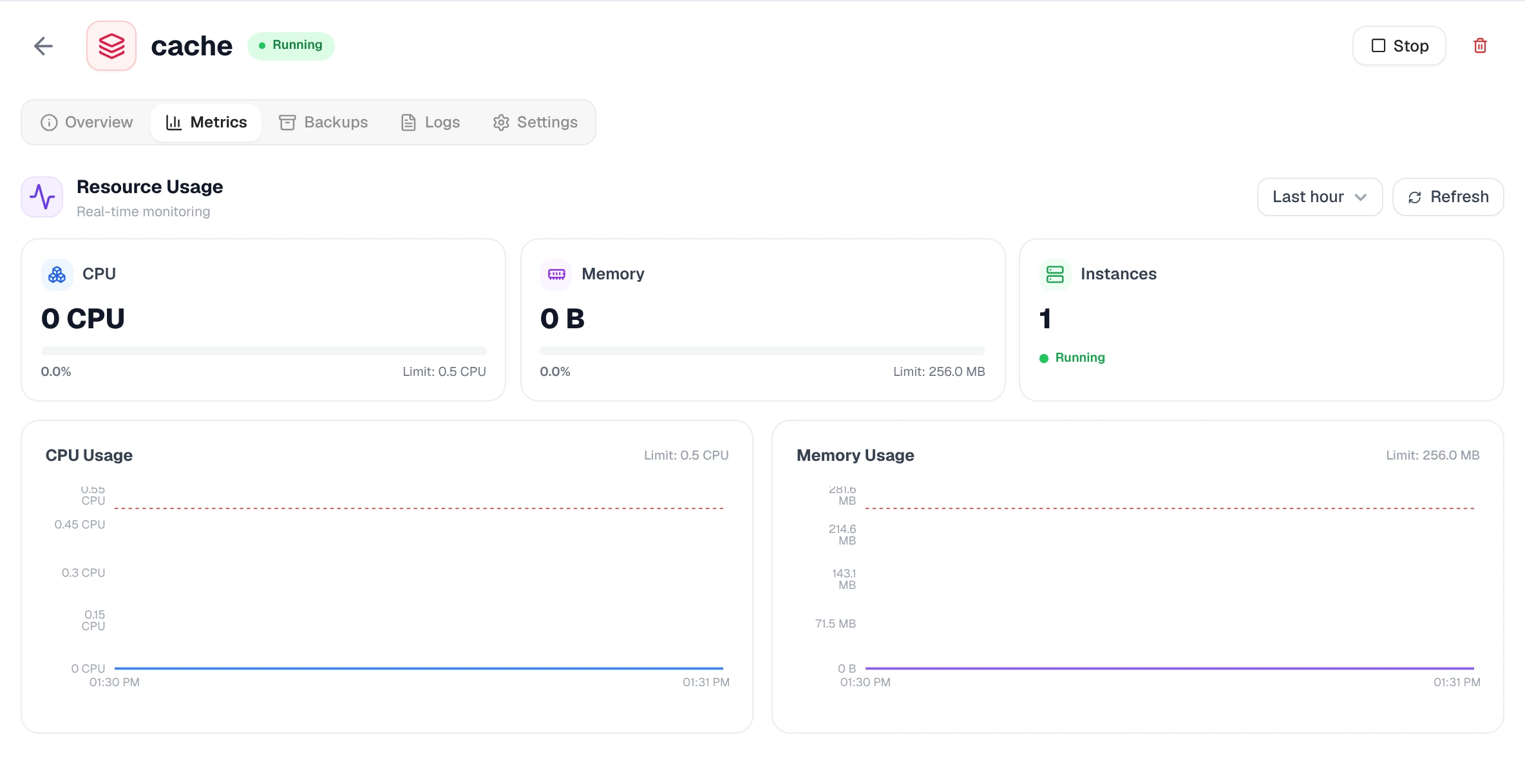
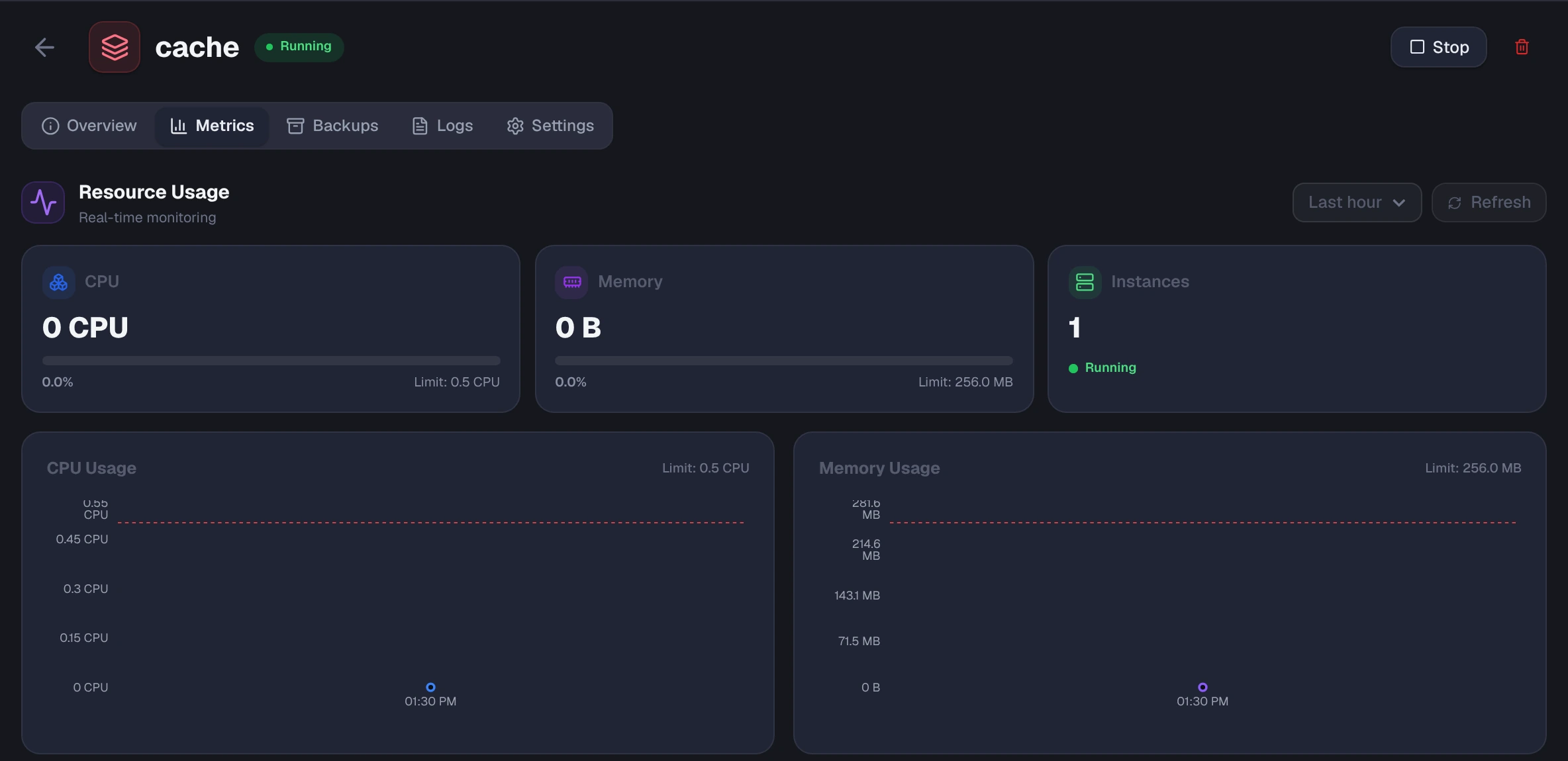
Section titled “Memory and CPU metrics”Live charts of CPU, memory and instance count, each against its limit. Pick a window: 10 minutes, 30 minutes, 1 hour or 2 hours. Charts auto-refresh while the instance is running.
Watch memory more than anything else. Redis keeps the whole dataset in RAM, so when you reach the plan limit, writes either fail or start evicting keys, depending on the eviction policy.
Backups and restore
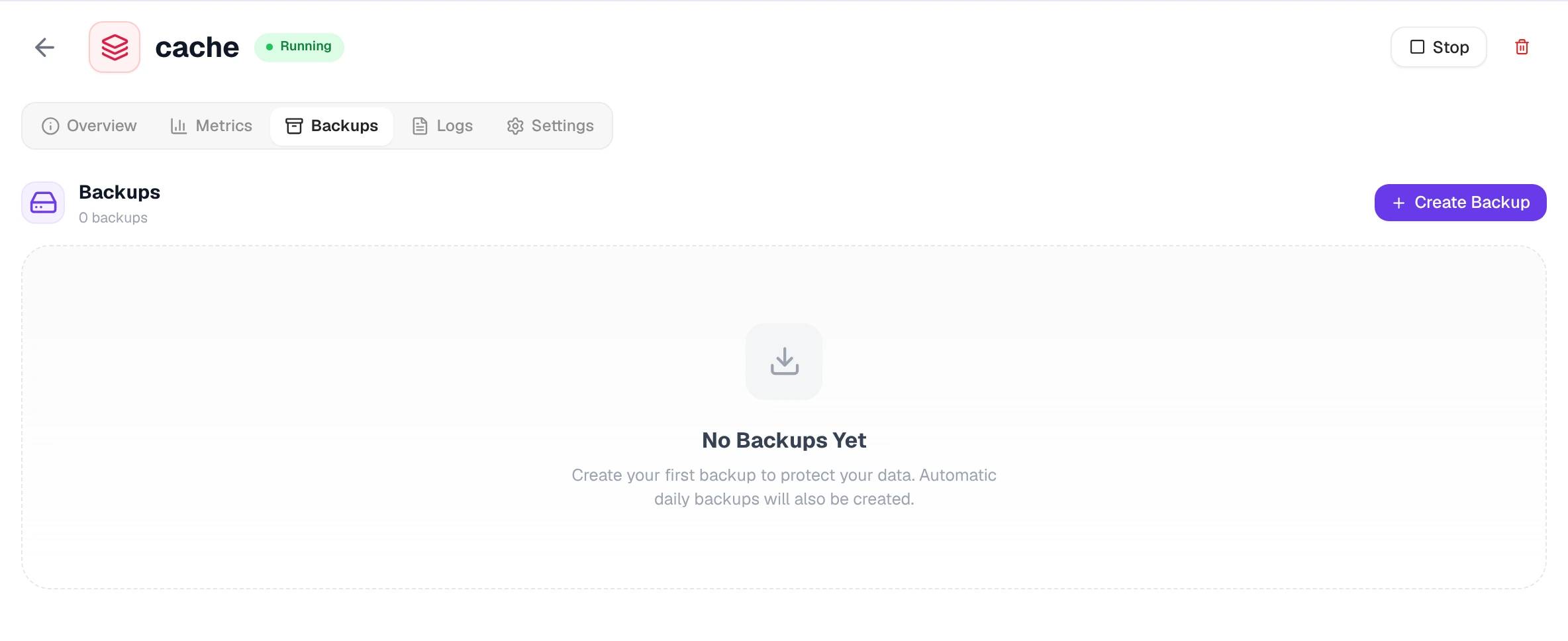
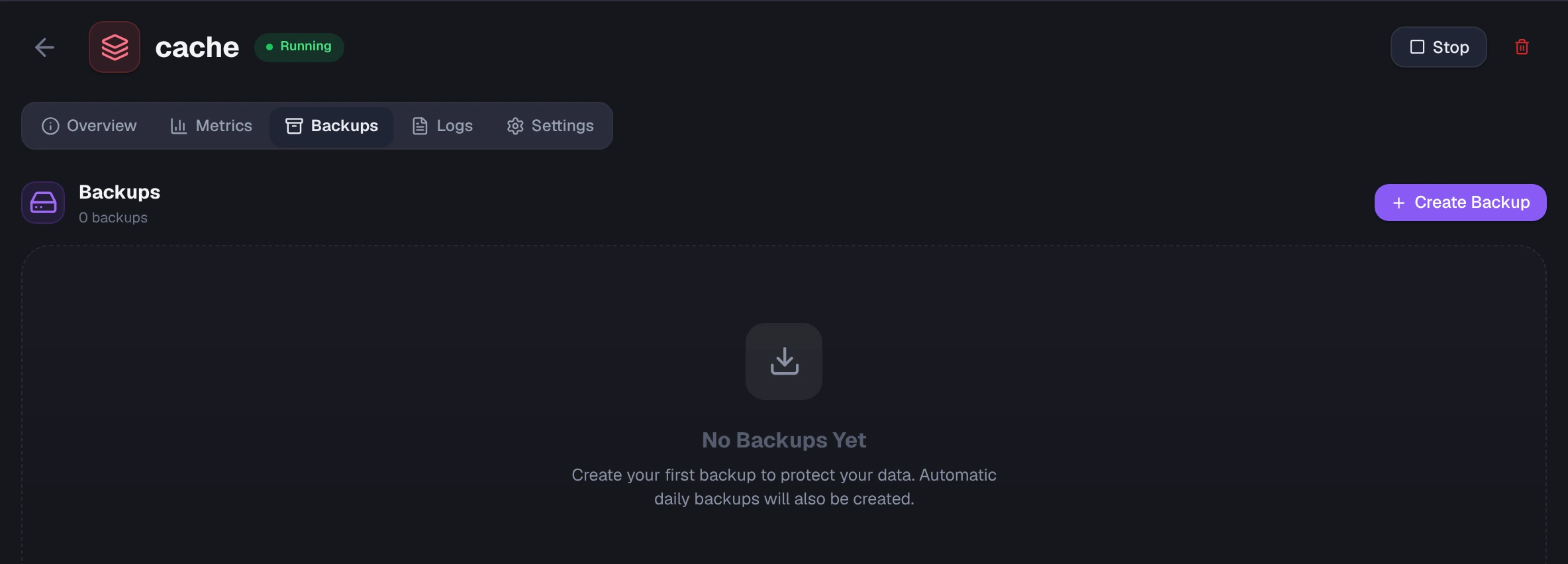
Section titled “Backups and restore”Snapshots of your data. Automatic backups run daily.
- Click Create Backup to take a snapshot on demand.
- Click Restore on any completed backup to roll the instance back to that point.
See Backups for the full flow and limits.
Redis logs
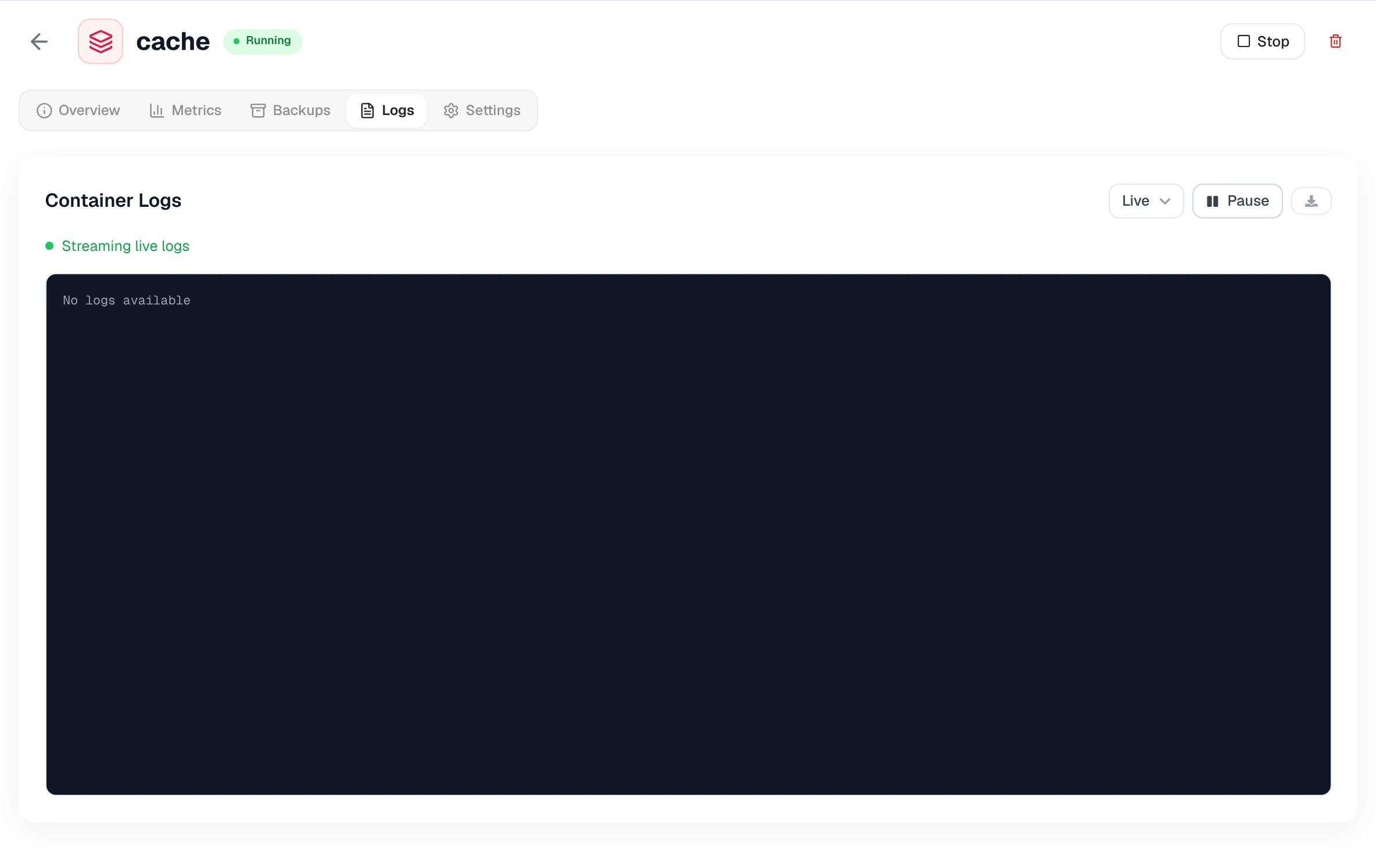
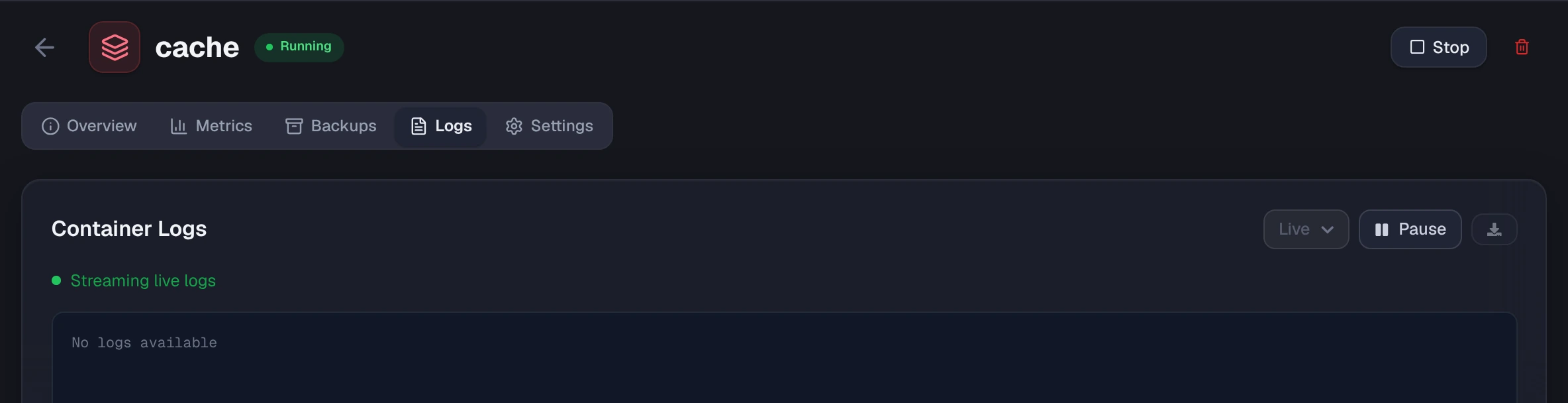
Section titled “Redis logs”Server logs from the instance. Live streams new lines as they arrive, and Pause holds the stream still. You can also look back over the last hour, 4 hours or 24 hours, and Download the current view as a file.
Check here when clients get NOAUTH errors or when memory warnings show up.
Settings: plan and public access
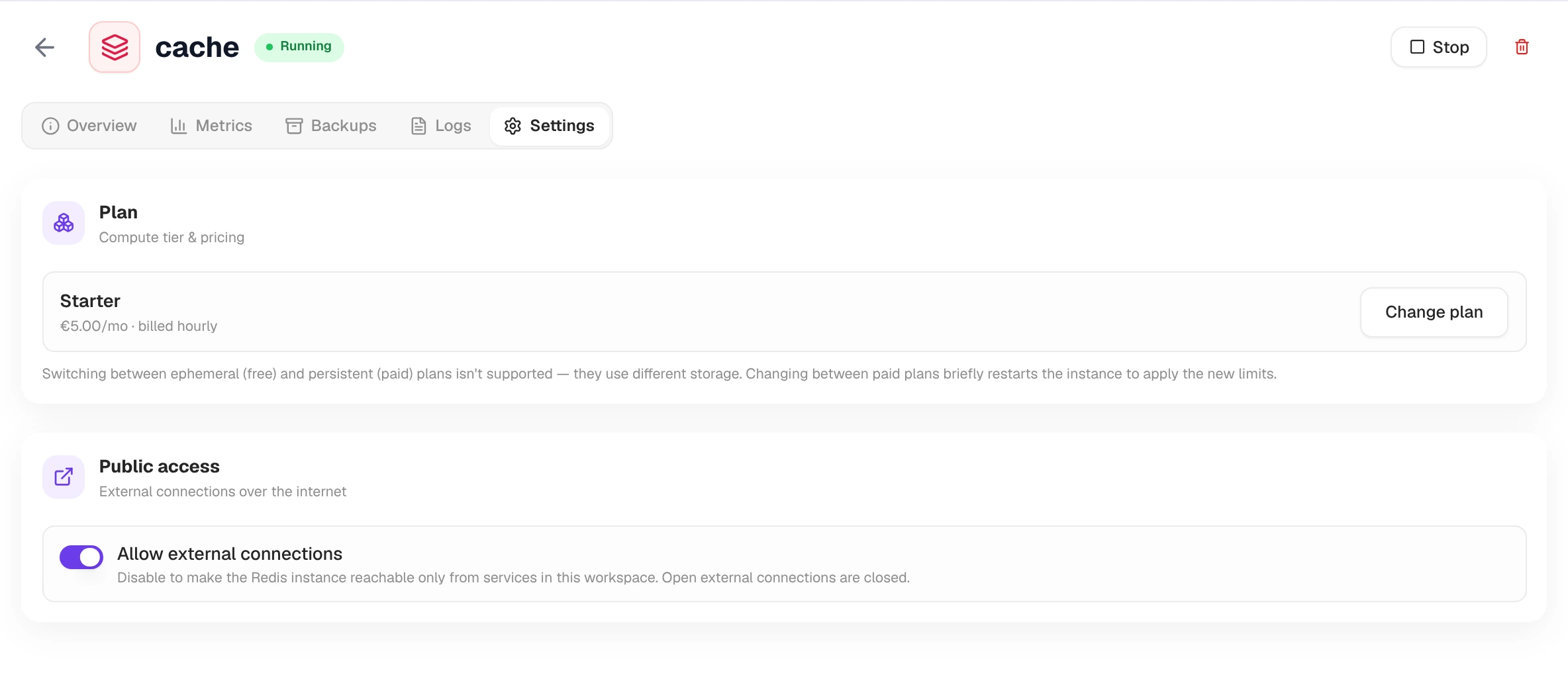
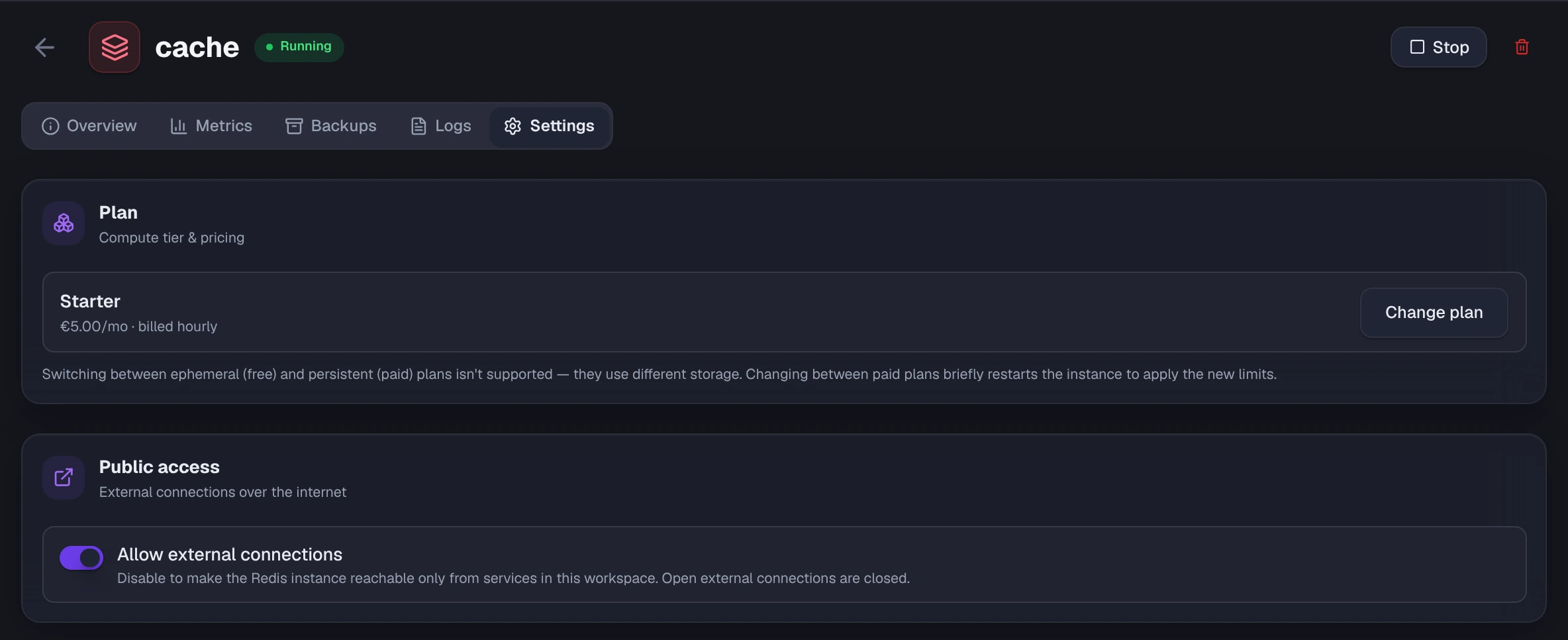
Section titled “Settings: plan and public access”Plan shows the memory tier with Change plan. Changing between paid plans briefly restarts the instance to apply the new limits; switching between free (in-memory only) and paid plans isn’t supported because they use different storage.
Public access holds Allow external connections. Turn it off to make the instance reachable only from services in the same workspace.