

Runsite CLI
runsite is the command-line version of the dashboard. It talks to the same
Public API, signs in with an API key, and behaves
the same on your laptop as it does in a CI job.
runsite deploy my-apirunsite logs my-api --tail 200runsite db create main-db --plan pg-starterRun runsite with no arguments and it opens a full-screen
terminal UI instead: browse projects, tail logs, open
deployments, deploy and roll back with a keypress. The commands on this page
work the same either way.
Install
Section titled “Install”Linux and macOS
curl -fsSL https://runsite.app/install.sh | shWindows (PowerShell)
irm https://runsite.app/install.ps1 | iexThe installer picks the build for your operating system and CPU, checks it against
SHA256SUMS.txt from the release, and puts the binary in ~/.local/bin/runsite
(%LOCALAPPDATA%\runsite\bin on Windows). Builds exist for Linux (x86_64 and
arm64), macOS (Intel and Apple silicon) and Windows.
Two variables change what it does: RUNSITE_VERSION=v0.2.0 pins a version, and
RUNSITE_INSTALL_DIR chooses where the binary lands.
Check it worked:
runsite --versionLog in
Section titled “Log in”runsite login # email and passwordrunsite login --token ak_live_... # an API key from the dashboardrunsite whoami # who am I signed in as?runsite login creates an API key for this machine and saves it in
~/.config/runsite/config.toml.
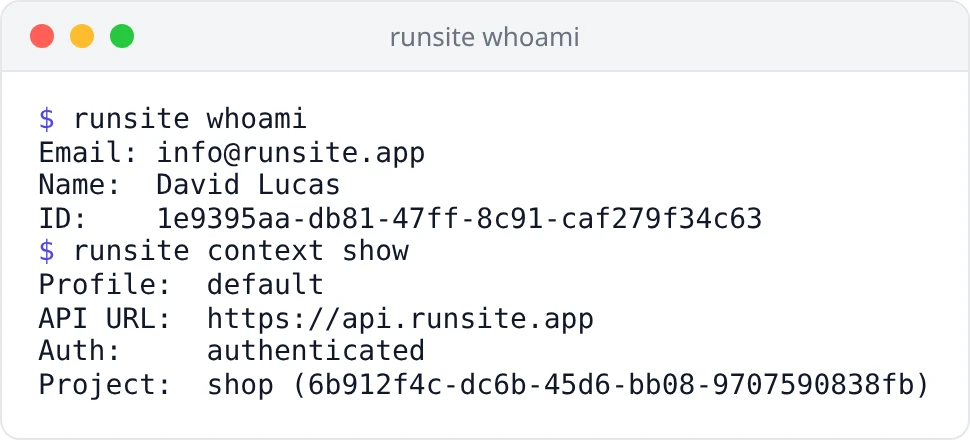
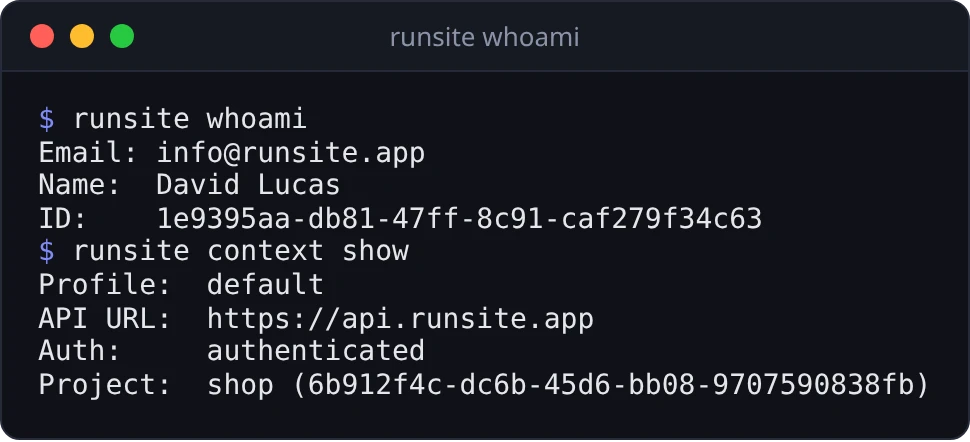
If you signed up with Google or GitHub you have no password to type. Create a key
on the API keys page of the dashboard and pass it with --token.
runsite logout deletes the local copy of the key. The key itself keeps working
until you revoke it in the dashboard, so revoke it there if a laptop is lost.
Services
Section titled “Services”runsite service list # services in the current projectrunsite service list --all # services in every projectrunsite service status my-apirunsite service start my-apirunsite service stop my-apirunsite service restart my-api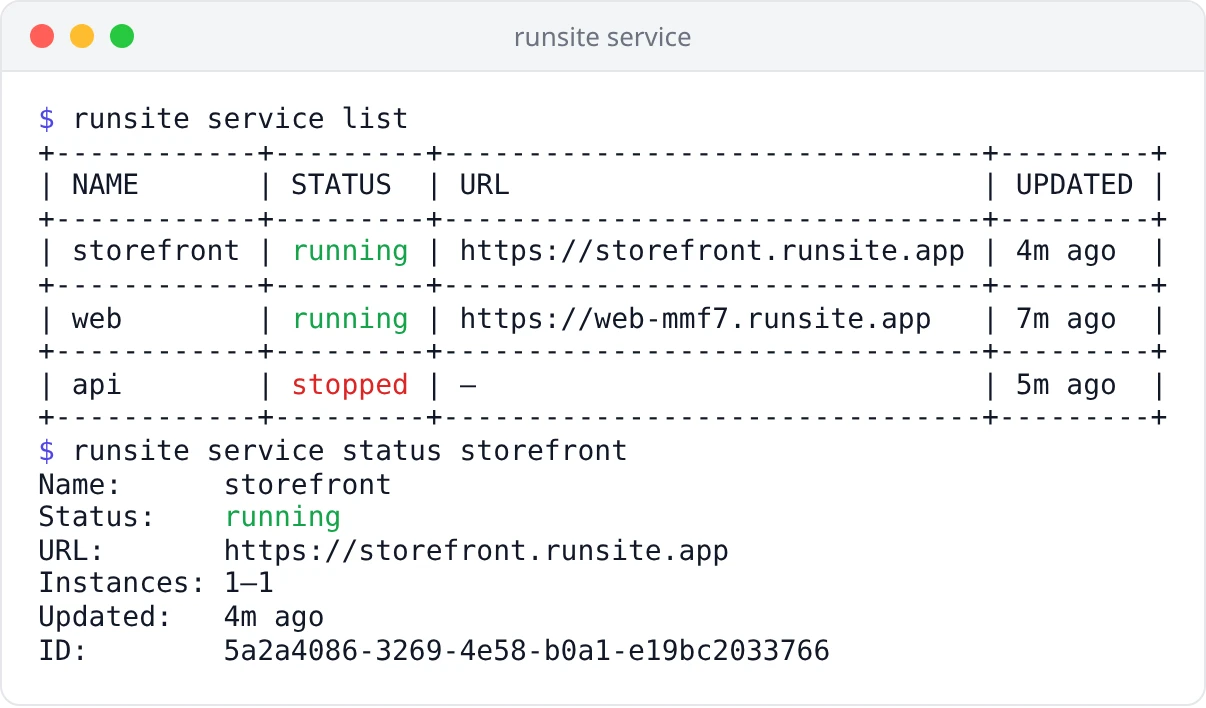
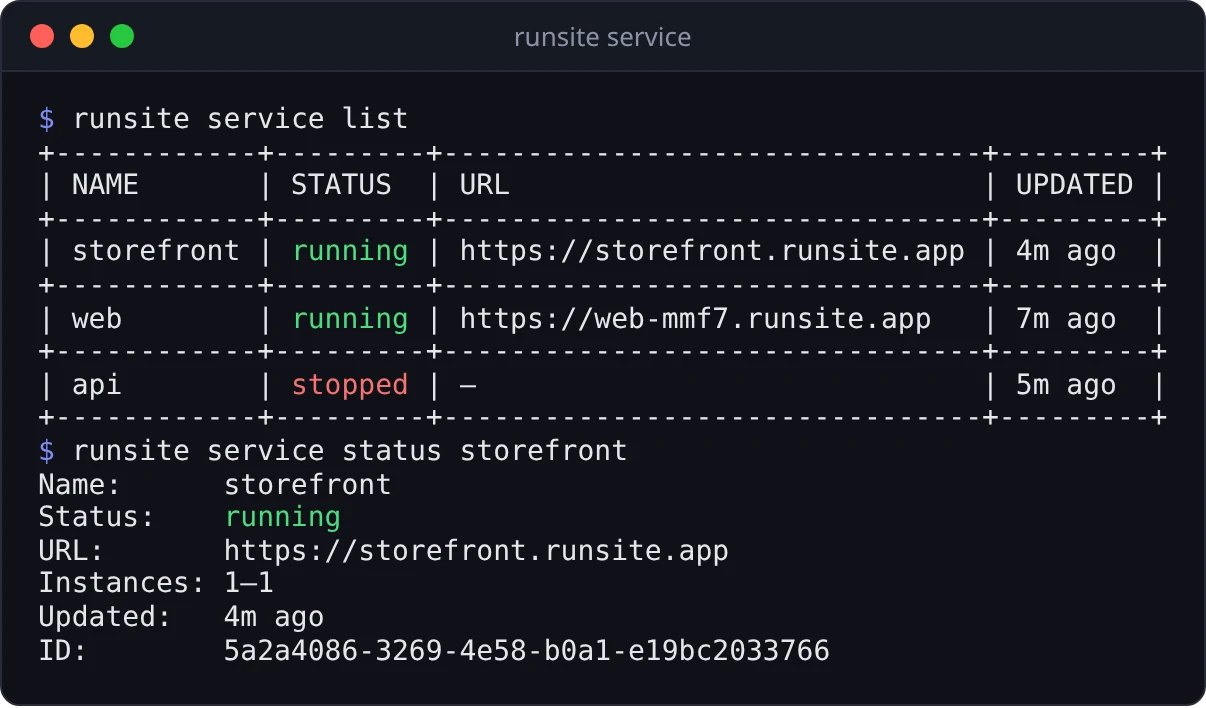
Create a service from a git repository or from a ready container image:
runsite service create my-api --repo https://github.com/me/my-api --branch main --port 3000runsite service create my-web --image nginx:1.27 --port 80runsite service create worker --repo https://github.com/me/jobs --type worker \ --start-command "python run.py" --env QUEUE=default--repo and --image are mutually exclusive. Other options: --project,
--type (web-service, static-site or worker), --build-command,
--start-command, --dockerfile, --root-dir, --min-instances and
--max-instances (1–5), --auto-deploy, and --env KEY=VALUE, which can be
repeated and stores every value as a secret. Creating a service does not build
it; run runsite deploy next.
The service name is optional. If you have only one service, or one service in the
project you picked with runsite project use, the CLI works out which one you
mean. A UUID works anywhere a name does.
Start, restart and deploy do different things:
| Command | What happens |
|---|---|
runsite service start | Runs the image that was already built |
runsite service restart | Restarts the running container, no rebuild |
runsite deploy | Builds the current commit and releases it |
Deploy and read logs
Section titled “Deploy and read logs”runsite deploy my-api # build and release the current commitrunsite logs my-api # last 100 linesrunsite logs my-api --tail 200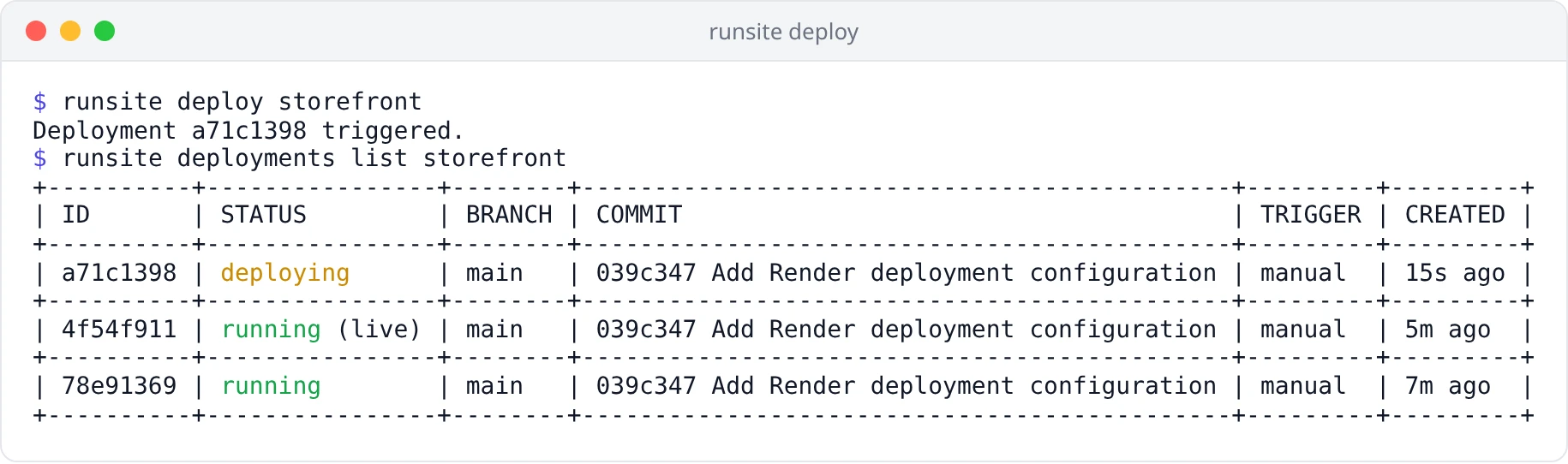
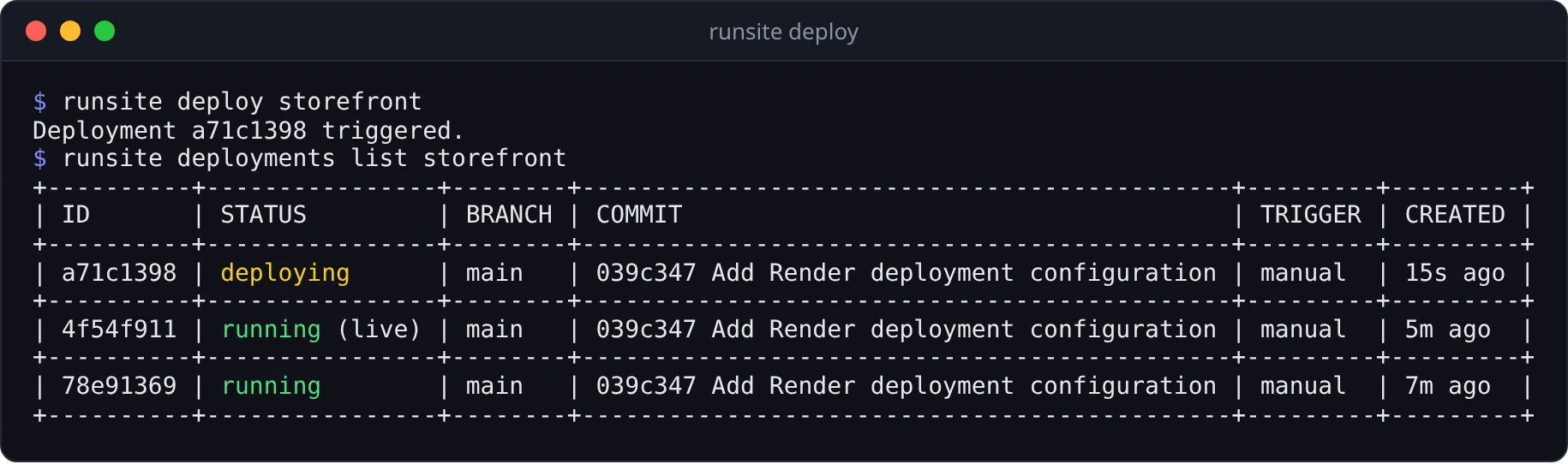
runsite deploy queues the build and returns. Watch the build itself in the
dashboard or the terminal UI, or check on it later
with runsite service status.
Deployments and rollback
Section titled “Deployments and rollback”runsite deployments list my-api # last 10 deploymentsrunsite deployments list my-api --limit 50runsite deployments rollback 3f2a1b4c my-apirollback takes a full deployment ID or the short prefix that deployments list
prints (at least 4 characters).
Environment variables
Section titled “Environment variables”runsite env list my-apirunsite env set my-api DATABASE_URL=postgres://... LOG_LEVEL=debugrunsite env delete my-api LOG_LEVEL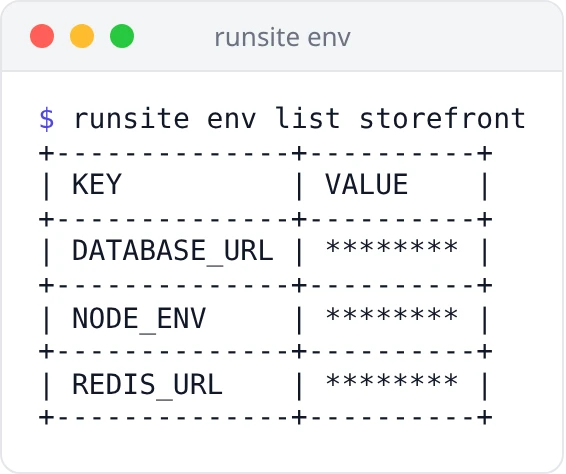
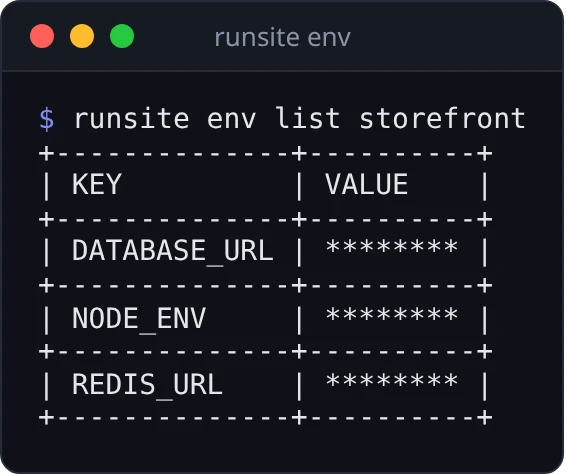
Names must be uppercase and start with a letter (^[A-Z][A-Z0-9_]*$). Setting a
name that already exists overwrites it. A change reaches the container on the
next deploy or restart, not immediately.
Databases
Section titled “Databases”runsite plans postgres # plans and monthly pricesrunsite db create main-db --plan pg-starter # PostgreSQLrunsite db create cache --plan redis-starter --engine redisrunsite db listrunsite db connect main-db --service my-api # sets DATABASE_URL on my-apirunsite db stop main-dbrunsite db start main-dbrunsite db delete cache # asks for confirmation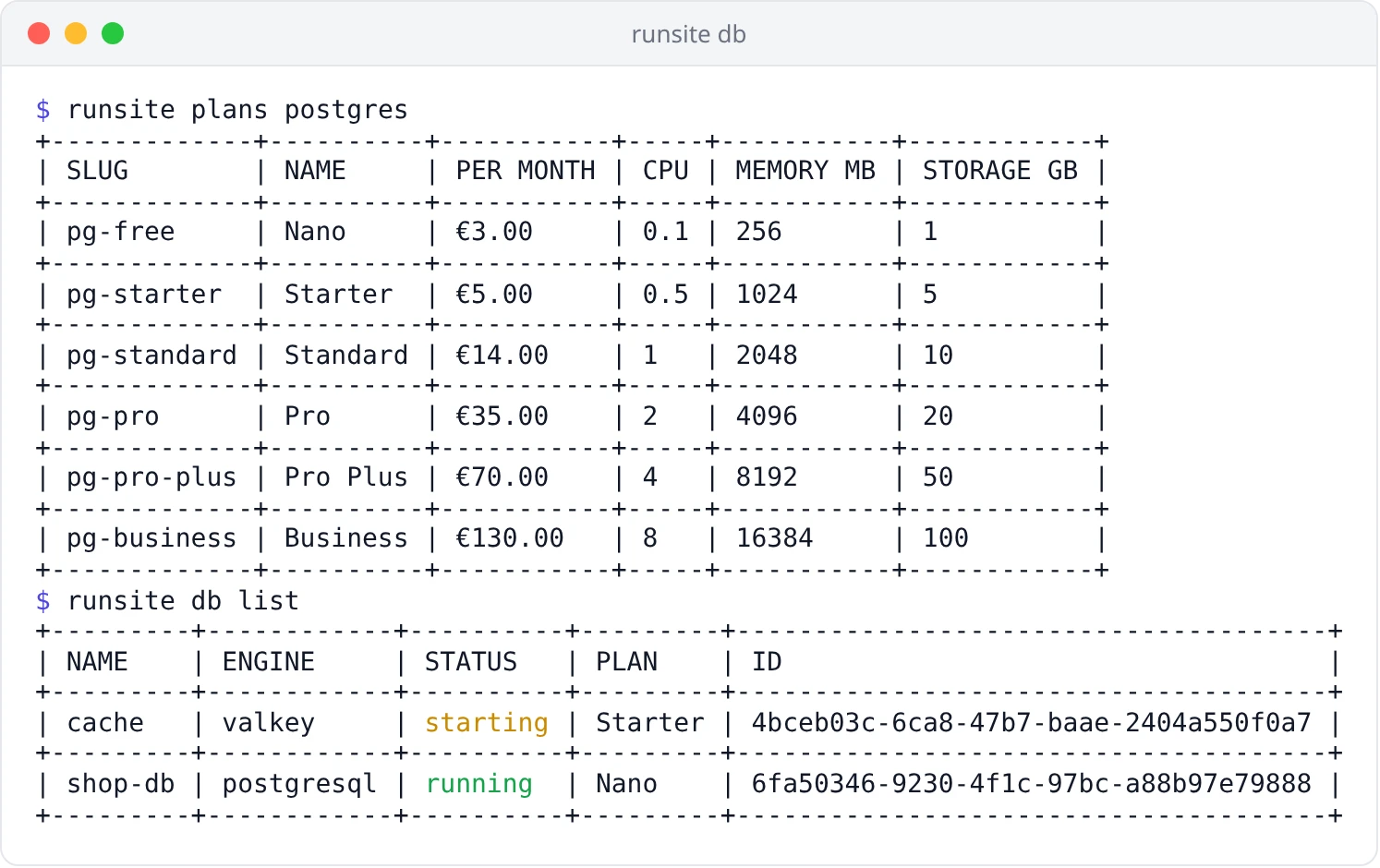
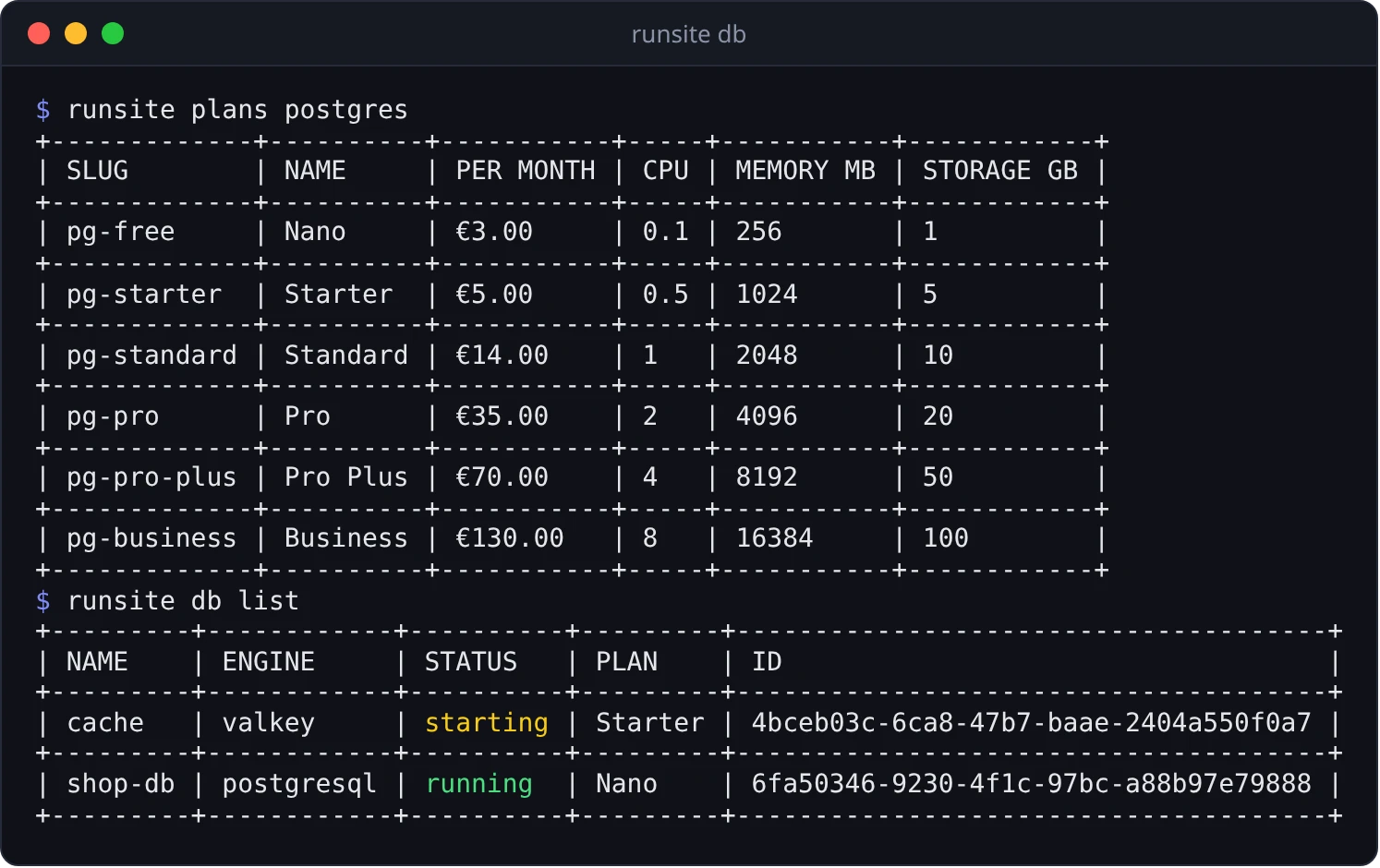
A database is billed from your balance from the moment it is created. --plan
takes a slug from runsite plans postgres or runsite plans redis, or a plan
ID. --project puts the database in a project, and it defaults to the project
selected with runsite project use.
Passwords never reach your terminal. They are generated on the server, and
db connect writes DATABASE_URL or REDIS_URL into the service as a secret
environment variable. The service and the database must be in the same project.
Deploy or restart the service so it picks up the variable.
db stop keeps the data, but connected services cannot reach the database until
you start it again. db delete removes the database and all of its data for
good. It needs an admin key and asks you to confirm; pass --yes to skip the
prompt in scripts.
Plans for web services are listed with runsite plans web.
Projects and profiles
Section titled “Projects and profiles”runsite project listrunsite project create my-projectrunsite project use my-project # look up names inside this project onlyrunsite project unset # back to every project
runsite context show # active profile, API URL, project, userrunsite context set-url https://api.runsite.appProfiles keep separate accounts or environments apart. Each one has its own key, project and API URL:
runsite --profile staging loginrunsite --profile staging service listSet RUNSITE_PROFILE=staging instead of typing --profile every time.
Put an API key in RUNSITE_API_TOKEN and skip runsite login entirely:
- name: Deploy env: RUNSITE_API_TOKEN: ${{ secrets.RUNSITE_API_TOKEN }} run: | curl -fsSL https://runsite.app/install.sh | sh ~/.local/bin/runsite deploy my-apiGive the CI key the write scope. It never needs admin.
JSON output
Section titled “JSON output”Every command that prints something takes --output json, so you can pipe it:
runsite service list --output json | jq '.[] | select(.status != "running") | .name'Shell completions
Section titled “Shell completions”runsite completions bash > /etc/bash_completion.d/runsiterunsite completions zsh > ~/.zfunc/_runsiterunsite completions fish > ~/.config/fish/completions/runsite.fishNot available yet
Section titled “Not available yet”runsite shell, runsite run and runsite deploy --watch need a live WebSocket
connection, which the Public API does not yet open to API keys. Until it does,
use the dashboard for an interactive shell and for streaming build logs.
Common problems
Section titled “Common problems”| What you see | What to do |
|---|---|
401 Invalid access token | The key was revoked, rotated or expired. Run runsite login again, or pass a fresh --token |
403 on deploy or env set | The key is read-only. Create one with the write scope |
403 on db delete | Deleting a database needs an admin key |
| ”database not found” | Check runsite db list; if two databases share the name, pass the ID |
| ”service not found” | The name belongs to another project. Run runsite project use, or add --all to service list |
runsite: command not found | ~/.local/bin is not on your PATH. Add it to your shell profile |
| Your change did not take effect | Environment variables apply on the next deploy or restart |
Questions people ask
Section titled “Questions people ask”Do I need a password to use the CLI?
No. If you signed in with Google or GitHub, create an API key in the dashboard
and use runsite login --token ak_live_....
Where is the API key stored?
In ~/.config/runsite/config.toml on Linux and macOS. runsite logout removes
it locally; revoke it in the dashboard to kill it everywhere.
Can one machine hold two accounts?
Yes, that is what profiles are for. runsite --profile staging login keeps a
second key, project and API URL side by side with your default.
Does runsite deploy wait for the build?
No. It queues the deployment and returns. Follow the build in the dashboard or
the terminal UI, or let an AI assistant watch it through
the MCP server.
See also
Section titled “See also”- Terminal UI — the full-screen dashboard behind a bare
runsite - MCP server — the same actions, driven by an AI assistant
- API keys — create, scope, rotate and revoke keys
- Public API — what the CLI calls underneath
- runsite-cli on GitHub — source and releases